DIY Gadget Repair: Common Fixes You Can Do at Home
CS
Introduction to DIY Gadget Repair
In today’s tech-driven world, gadgets are an essential part of our daily lives. From smartphones to laptops, these devices help us stay connected, informed, and entertained. However, they are not immune to malfunctions. Before you consider replacing a faulty gadget, consider trying some DIY repair techniques that can save you time and money.
With a little patience and the right tools, many common gadget problems can be fixed at home. This guide will walk you through some of the most frequent issues and how to address them.

Tools You’ll Need
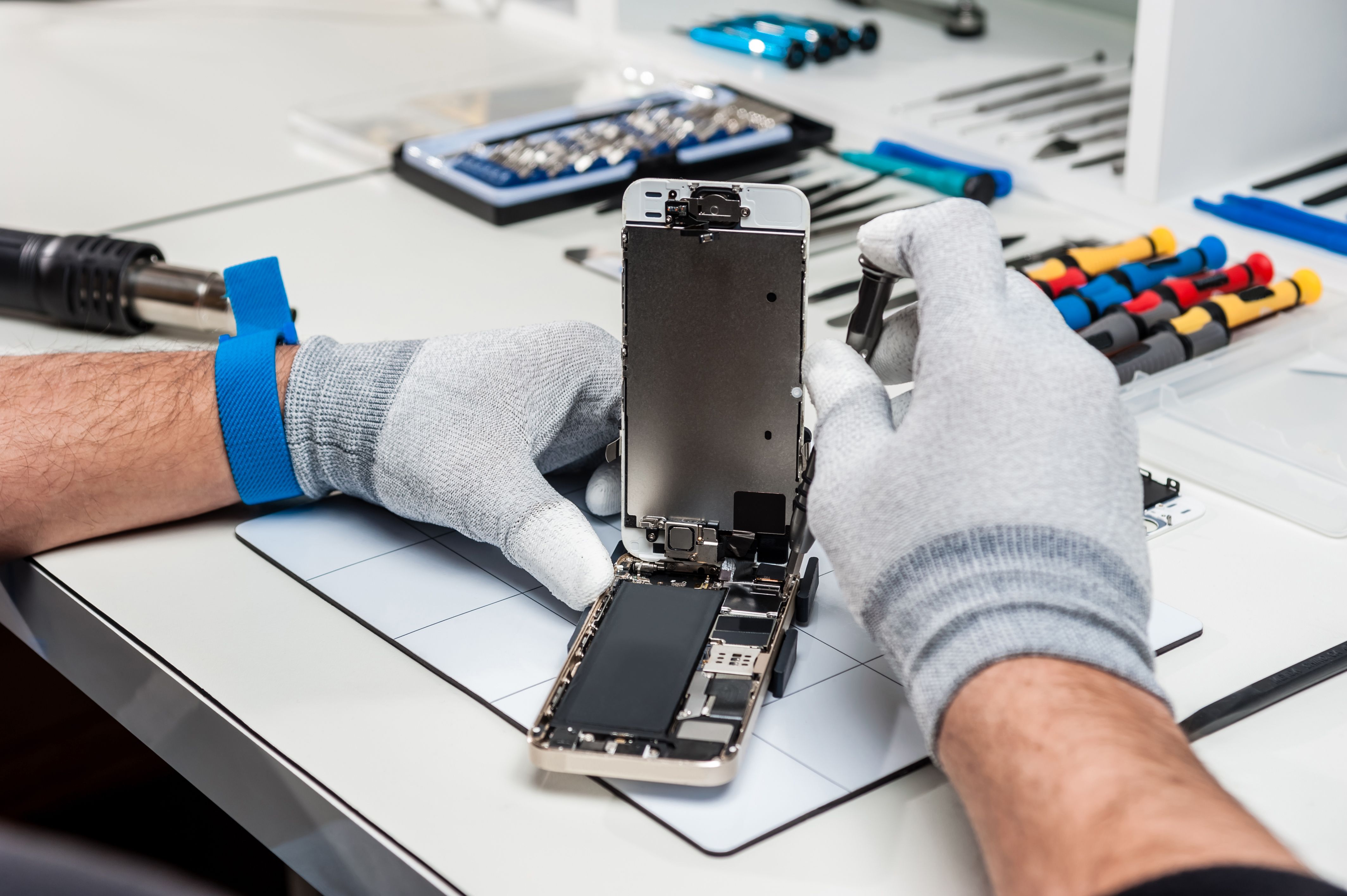
Before diving into repairs, it’s important to have the right tools on hand. Here’s a list of essential tools for DIY gadget repair:
- Small screwdrivers (Phillips and flathead)
- Plastic opening tools
- Precision tweezers
- Multimeter
- Heat gun or hair dryer
Having these tools available will make the repair process smoother and more efficient.
Fixing a Non-Responsive Smartphone
If your smartphone isn't responding, there are several steps you can take before heading to a repair shop:
Soft Reset
A soft reset can often resolve temporary glitches. Simply hold down the power button until the device restarts. This doesn’t erase any data and can quickly solve many issues.
Check for Battery Issues
If the phone doesn’t turn on, the battery might be the problem. Try charging the device with a different cable and adapter. If it still doesn’t work, consider replacing the battery.
Dealing with Laptop Overheating
Overheating is a common issue with laptops, often caused by dust buildup or poor ventilation. Here’s how you can address it:
Clean the Vents
Use a can of compressed air to blow out any dust from the vents. This can significantly improve airflow and reduce overheating.
Use a Cooling Pad
A cooling pad can provide additional airflow and help keep your laptop at an optimal temperature. It’s an easy and effective solution to prevent overheating.

Repairing a Faulty Charging Port
Charging ports can become loose or dirty over time, leading to charging issues. Here’s how to fix them:
Check for Debris
Use a toothpick or a small brush to gently clean out any debris in the charging port. Be careful not to damage the connectors.
Tighten Loose Connections
If the port is loose, you may need to open the device and secure the connections. This can be a bit tricky, so proceed with caution.
Conclusion
DIY gadget repair can be an empowering and cost-effective way to extend the life of your devices. By understanding common issues and knowing how to address them, you can avoid unnecessary expenses and gain a deeper appreciation for your tech. Remember, patience and the right tools are your best allies in successful gadget repair.